THE PROBLEM
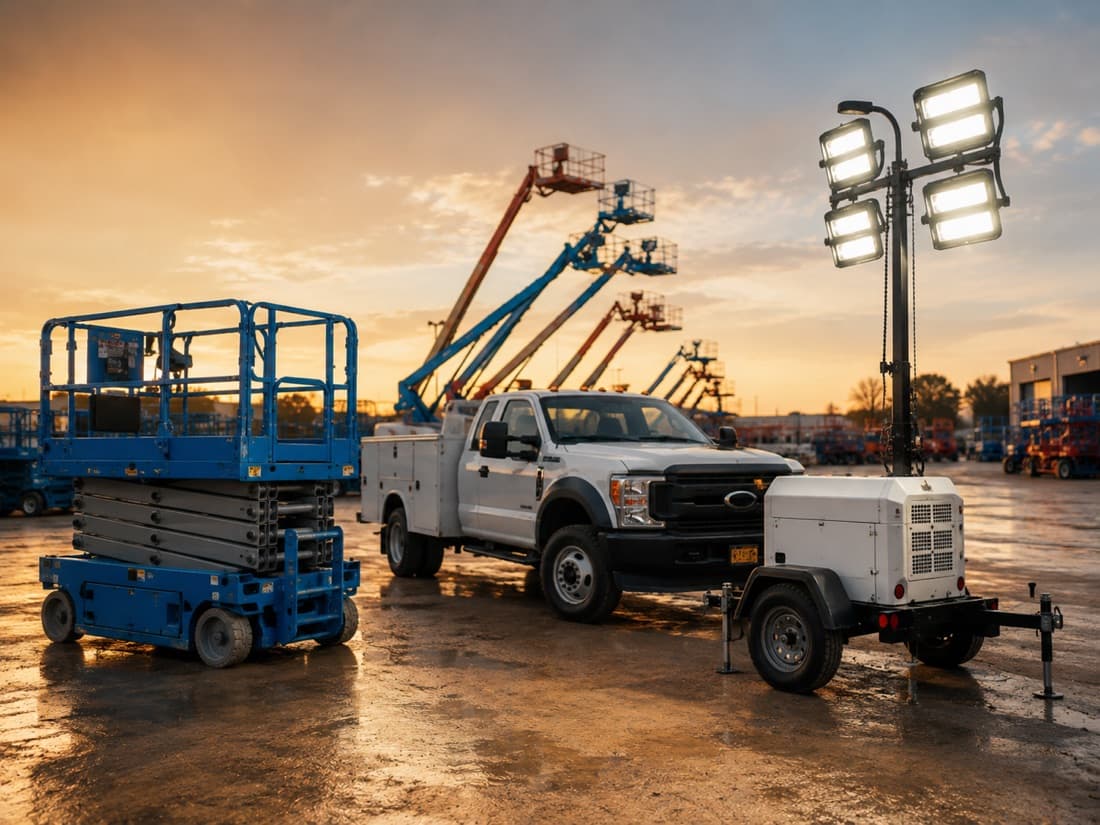
A yard count is out of date the moment equipment moves.
Someone has to walk the yard
Physical counts mean walking the property with a clipboard or scanner. It takes hours, and the result is only true until the next return, transfer, or loader moves something.
Right type, wrong item
Your system says three 36-inch trenching buckets are at the yard. The customer needs one specific serialized bucket, and someone goes looking for it.
The long tail goes untracked
Attachments, tools, and smaller assets rarely justify a cellular GPS tracker, so they are managed by memory, spreadsheets, and whoever last saw them.
WHAT CHANGES WITH SITES
From periodic counts to a Site that keeps itself current.
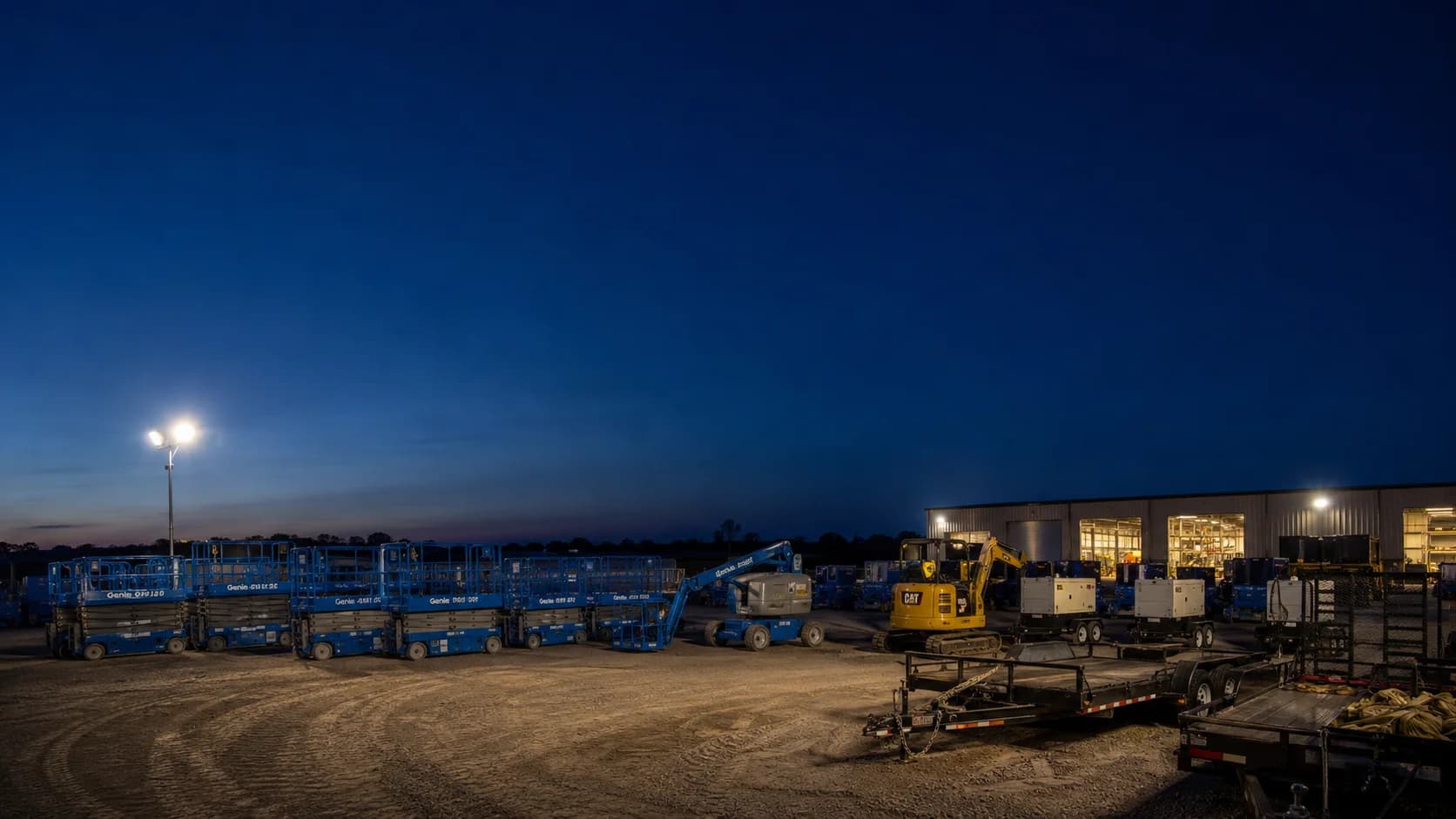
- 184 assets currently at Springdale Yard
- Ready Row: 23
- Returns: 7
ALWAYS-CURRENT INVENTORY
A live count instead of a yard walk.
Every tagged asset reports its own presence. Sites maintains a continuously updated inventory of each Site and each Zone, so the count is right at opening, at shift change, and after the last return—without anyone walking the property.

- Three matching 36-inch buckets
- Nearest item: 41 meters
FIND THE EXACT ITEM
Find the bucket the customer asked for—not just a bucket.
Knowing that three trenching buckets are on site is only a starting point. Search by serial or asset number, see that specific item’s position on the Site map, and use camera-based AR Locate to walk straight to it.

- Ready Row: 23
- Ready Row below minimum inventory
INVENTORY BY ZONE
Every Zone has its own inventory.
Each Zone shows a total inventory organized by category and item. See what is present, what is available, and where inventory is accumulating or running short—in Ready Row, Returns, Maintenance, Staging, or any area you define.
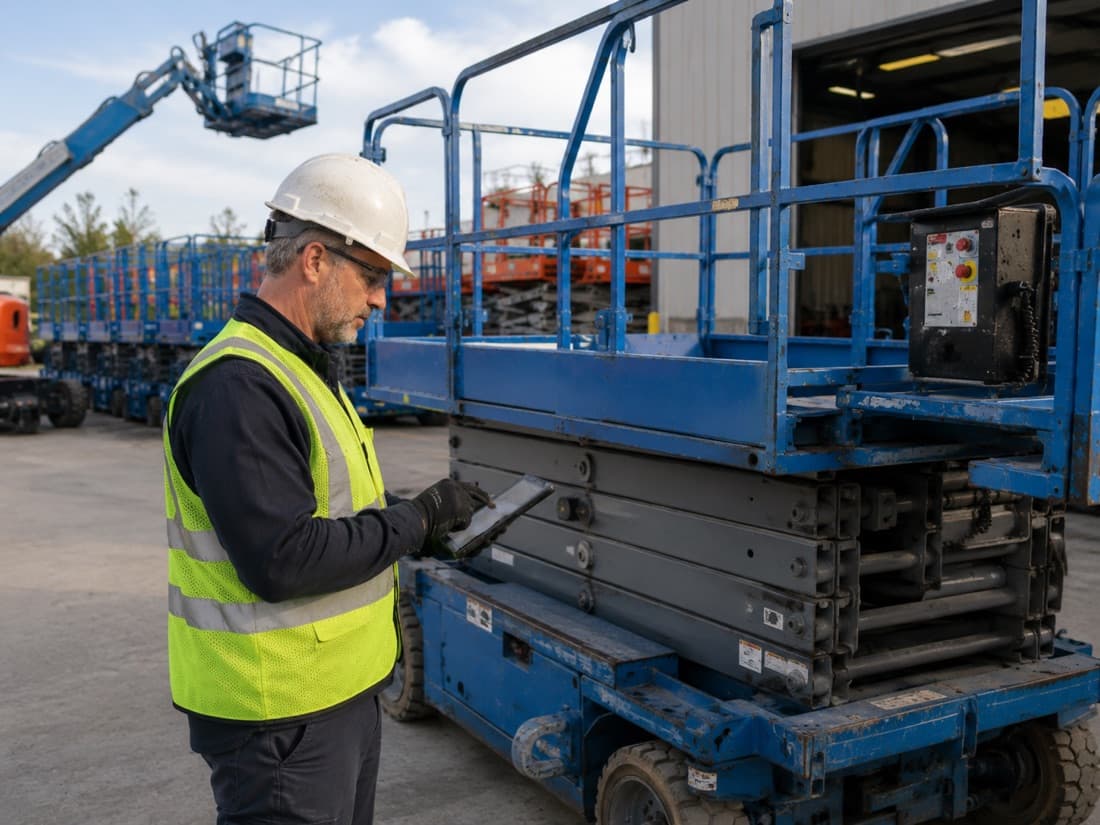
- Attachment moved from Returns to Maintenance
- Tag: Needs Service
MOVEMENT-DRIVEN WORKFLOWS
Let movement update the operation.
A Zone can optionally carry operational meaning. When an attachment moves from Returns to Maintenance, Sites can update both Zone counts, replace its Sites-managed Hapn tag with Needs Service, record the move in Activity, and create an Issue if it stays there too long.
Set a minimum or maximum inventory for any Zone to generate Alerts when stock runs short or piles up. Zone rules manage tags; they do not change an asset’s underlying Asset Status.
TAG EVERYTHING
Tag the long tail, not just the machines.
Cellular GPS makes sense for machines that travel and earn. It rarely makes sense for a bucket, a breaker, a compaction plate, or a tool cart. Because Sites tags are low-cost, you can tag nearly everything on the property—so the inventory finally covers the whole operation, not just the assets valuable enough for a tracker.
Hapn is developing purpose-built tags and Site infrastructure to make complete coverage, accurate finding, and practical deployment possible.
Four components. One live Site.
Tags
Low-cost identifiers for machines, attachments, tools, and everything in between.
Anchors
Compact reference points positioned around the Site to determine precise asset location.
Gateway
Connects the Site to Hapn using cellular, Wi-Fi, or Ethernet.
Hapn software
Turns location signals into live inventory, Zones, search, Activity, Issues, Alerts, and AR Locate.
HOW IT WORKS
From a map to a live inventory.
Hapn guides your team through mapping, installation, and calibration. No RF engineers. No months-long RTLS project.
Map your Site and Zones
Define the Site from satellite imagery or an uploaded floor plan. Then draw the Zones that mean something to your team—Ready Row, Returns, Maintenance, Staging, a building, or a floor.
Install anchors and a gateway
Place compact anchors around the Site and connect a gateway over cellular, Wi-Fi, or Ethernet. Guided setup recommends placement and checks coverage before you go live.
Import assets and pair tags
Import or create your asset inventory, then pair each physical tag with the correct asset. From then on, Sites maintains the inventory automatically as tagged assets move.
ONE HAPN EXPERIENCE
GPS on the road. Sites inside the yard or building.
Sites is not a separate asset database. GPS-tracked equipment and Site-tagged attachments and tools live in the same Hapn asset list, and each asset shows the location capabilities it has. When a machine leaves the yard, Sites records the departure and Hapn GPS follows it to the jobsite or customer location.
One asset record. One login. One operational view.
Hapn GPS
- Location on the road and between jobsites
- Trip history and geofences
- Powered and high-value equipment
Hapn Sites
- Precise position and Zone within a Site
- Arrivals, departures, and Zone counts
- Attachments, tools, and the long tail
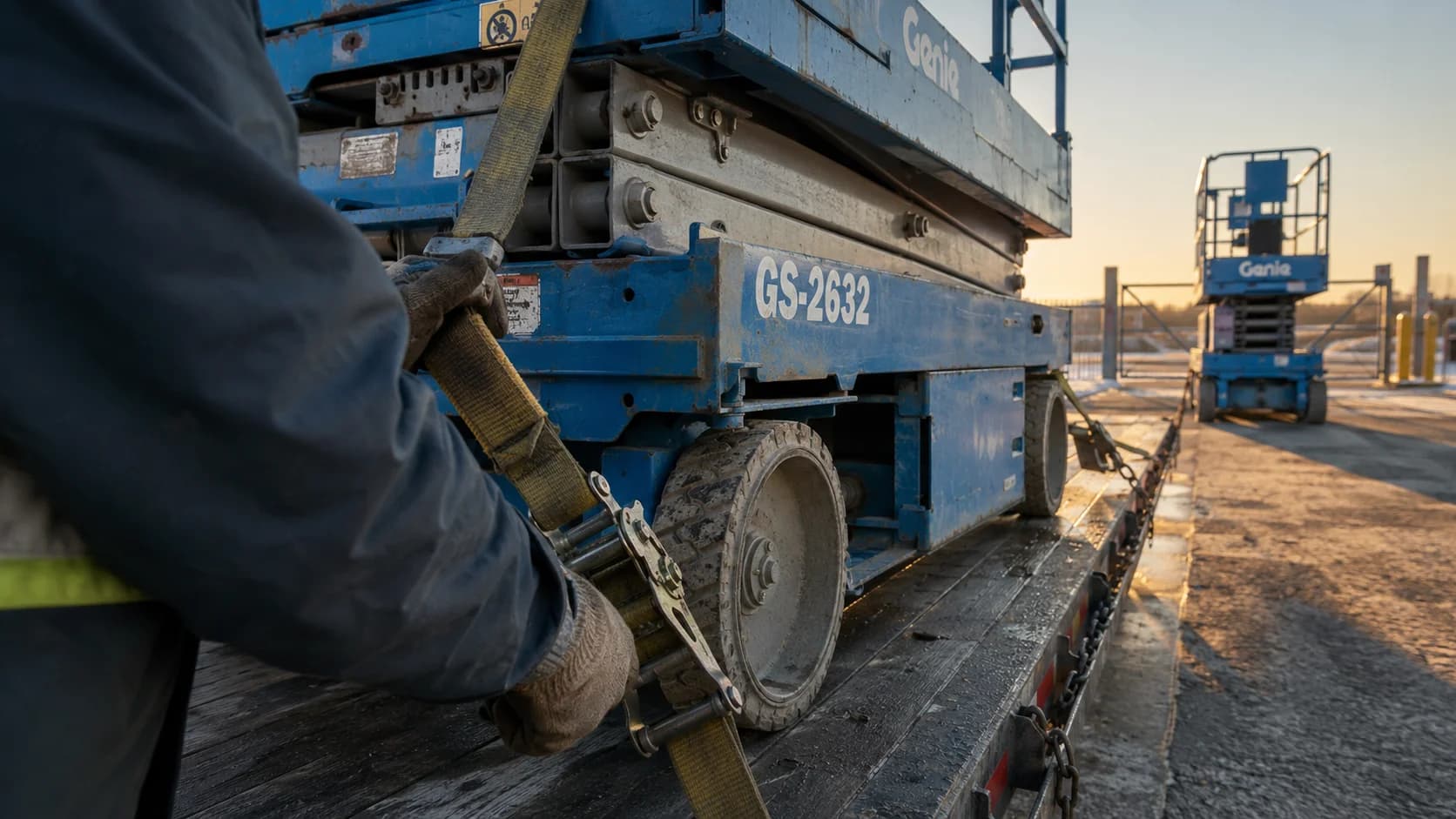
- Departed Springdale Yard
- Now located by Hapn GPS
WHERE SITES WORKS
Built in the rental yard. Ready for every industrial Site.

Equipment rental yards
Know which machines, attachments, and tools are in each yard and Zone, find the exact serialized unit a customer reserved, and see what has left the Site.

Construction sites
Locate equipment, tools, and materials across large jobsites, temporary staging areas, buildings, and multiple floors.

Manufacturing and facilities
Track mobile equipment, fixtures, carts, work-in-progress, and critical components across production and storage areas.
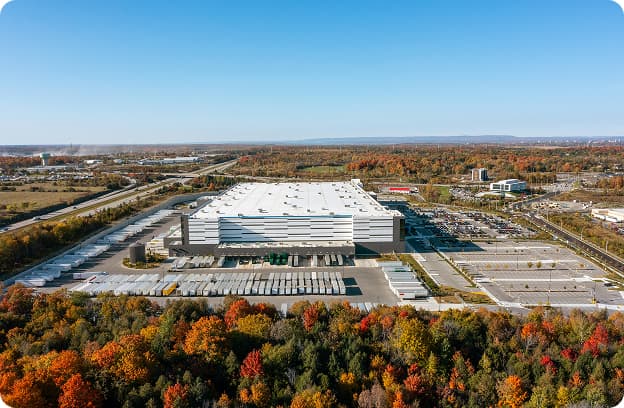
Data center construction
Locate shared equipment, installation tools, carts, components, and other critical assets across buildings, rooms, and controlled work areas.
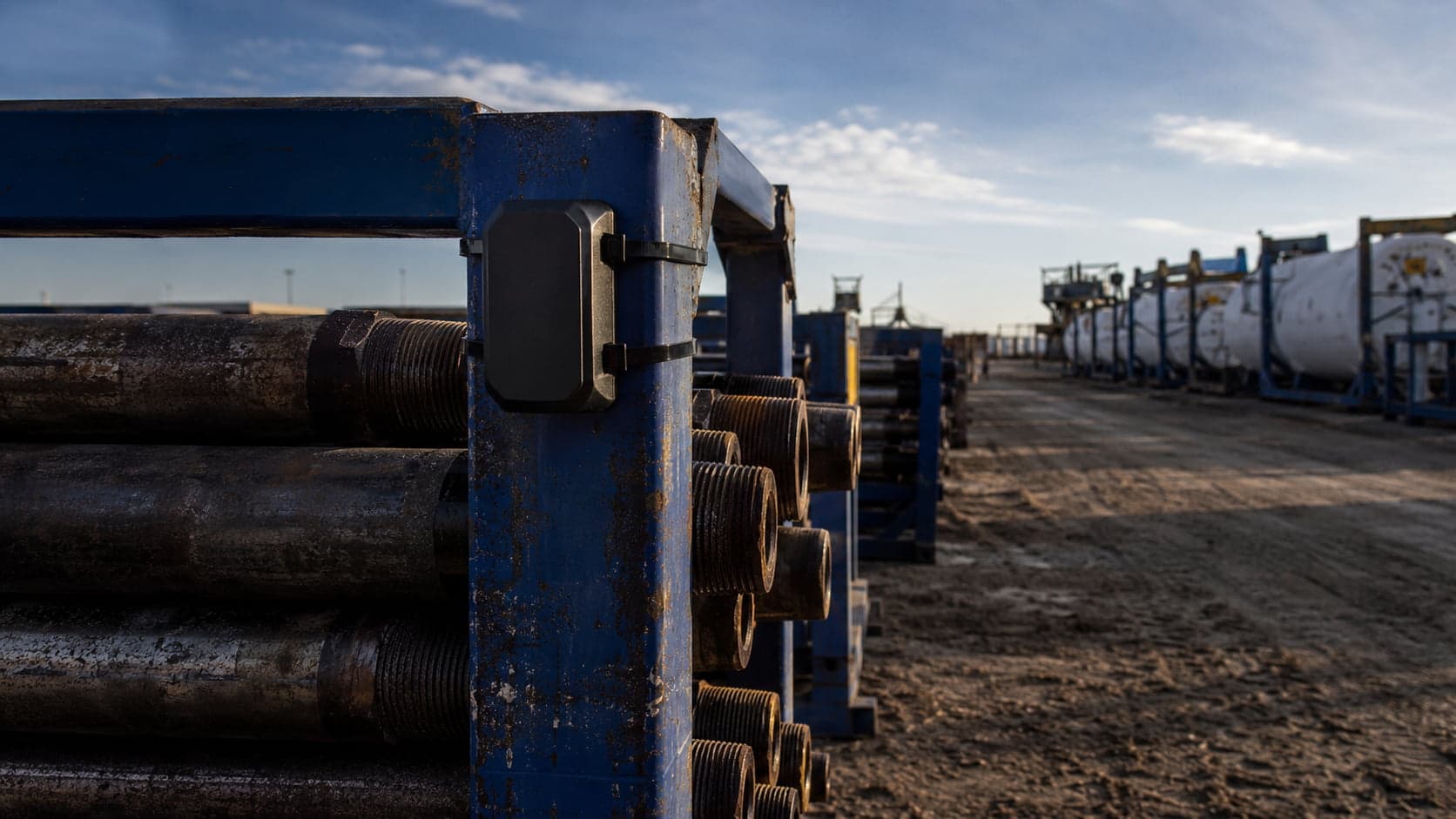
Staging and laydown yards
See what materials and equipment are present, where they are staged, and when they arrive, move, or depart.

Energy and infrastructure
Locate equipment, tools, and mobile assets across substations, utility sites, industrial campuses, and other complex environments.
WHERE SITES IS GOING
The operating system for physical sites.
Sites begins by answering two questions every operation asks all day: what is here, and where is it? Once those answers stay current on their own, movement becomes an input. An asset arriving, leaving, or changing Zones can update tags, inventory decisions, workflows, Issues, and Alerts—without anyone keying it in.
Know what is present
A live inventory of every Site and Zone.
Find the exact item
Serialized search, map position, and AR Locate.
Let movement drive the work
Zone movement updates tags, Activity, Issues, and Alerts.
A MORE DEPLOYABLE APPROACH
Precise location without an enterprise RTLS project.
Live inventory and precise on-site location, deployed by your own team in hours.
| Feature | Hapn Sites | GPS Tracking | Traditional Enterprise RTLS |
|---|---|---|---|
| Works indoors | Limited | ||
| Works outdoors | Varies | ||
| Precise position within a Site | — | ||
| Low-cost asset tags | — | Varies | |
| Self-service deployment | Often no | ||
| Typical deployment time | Hours | Minutes | Weeks or months |
| RF specialists required | No | No | Often |
| Integrated with GPS tracking | Native Hapn platform | Native | Usually separate |
| Camera-based item locating | — | Varies |
Common Questions
A Site is the full physical environment being mapped and monitored, such as a yard, construction project, warehouse, or building. Zones are meaningful areas within the Site, such as Ready Row, Returns, Maintenance, Staging, rooms, or floors. Each Zone has its own live inventory.
No. GPS remains the right solution for equipment moving on roads and between jobsites. Sites adds precise location inside yards, buildings, and defined facilities, and extends visibility to assets that may not justify a cellular tracker.
GPS can usually tell you that a machine is at a branch or jobsite. Sites is designed to tell you where it is within that location and to cover attachments, tools, and other inventory that does not have GPS.
No. GPS-tracked and Site-tagged assets live in the same Hapn asset list. Each asset shows the location capabilities it has—GPS, Sites, or both—so your team works from one record per asset.
Both Zone counts update and the move is recorded in Activity. If you give a Zone operational meaning, Sites can also manage a Hapn tag on the asset—for example, Needs Service when it enters Maintenance—and create an Issue if it stays too long. Zone rules do not change the asset’s underlying Asset Status.
Low-cost tags are attached to assets. Anchors positioned around the Site detect the tags, and a connected gateway sends location data to Hapn. The Hapn application turns that data into a live map, inventory by Site and Zone, movement history, search, and precise item locating.
Current hardware testing has demonstrated sub-two-meter location performance. Production accuracy depends on Site layout, anchor geometry, environmental conditions, and tag placement.
Hapn Sites is designed to be deployed in hours rather than through a lengthy RTLS implementation. The application guides mapping, anchor placement, geometry validation, and coverage testing.
No. Hapn Sites is being designed for installation by ordinary operating teams using guided setup and calibration.
A Site-only tag shows its last known on-site position and departure time. Equipment that also has a Hapn GPS tracker continues to provide its current off-site location.
Yes. The architecture is designed for yards, buildings, floors, and other indoor or outdoor physical environments.
Yes. Hapn Sites is being designed to connect physical location with external inventory records. Existing Hapn relationships and integrations include Point of Rental and Quipli.
The same Site infrastructure can support compatible personnel badges for location, safety, and no-phone environments. Personnel workflows may be offered as a separate application or module.
Hapn Sites is in beta with initial customer deployments. Flexible capacity packages support focused deployments and complete Site-wide inventory visibility. Contact Hapn to discuss availability and whether your Site is a fit.
Tracking inventory racked in a yard or warehouse? See how Hapn pairs Sites with GPS for scaffolding tracking for rental fleets — bundle-level location outdoors and on-site visibility for stock stored where GPS can’t reach.
